
What it does
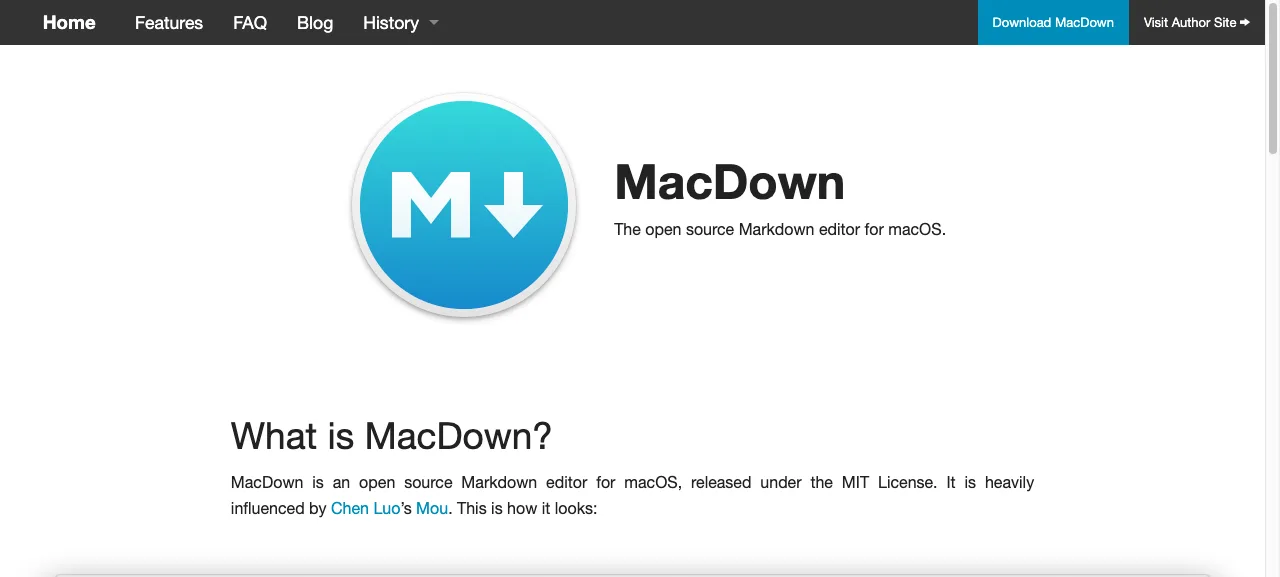
MacDown is the Mac-only counterpart to Ferrite, and has been around much longer. A clean window, two panes, nothing else. Open a .md file, or start blank and type.
It’s exactly what you’d want from a markdown editor in the era when tools did one thing well.
When we use it
For Mac users who don’t need to think about cross-platform support, or who like a tool that’s been stable for years. Great for drafting prompts, notes, and short articles.
Works fine alongside Copilot or ChatGPT: write your prompt in MacDown, copy as markdown, paste into the chat window.
Good to know
- Free and open source (MIT)
- macOS only, no Windows or Linux build
- Install via download or
brew install --cask macdown - Updates are rare but it’s been reliable for years

Want to learn how to use these tools?
In the Fundamentals course you practice with your own work and your own tools.